Claude Meetings: Google Meet features and Czech language support
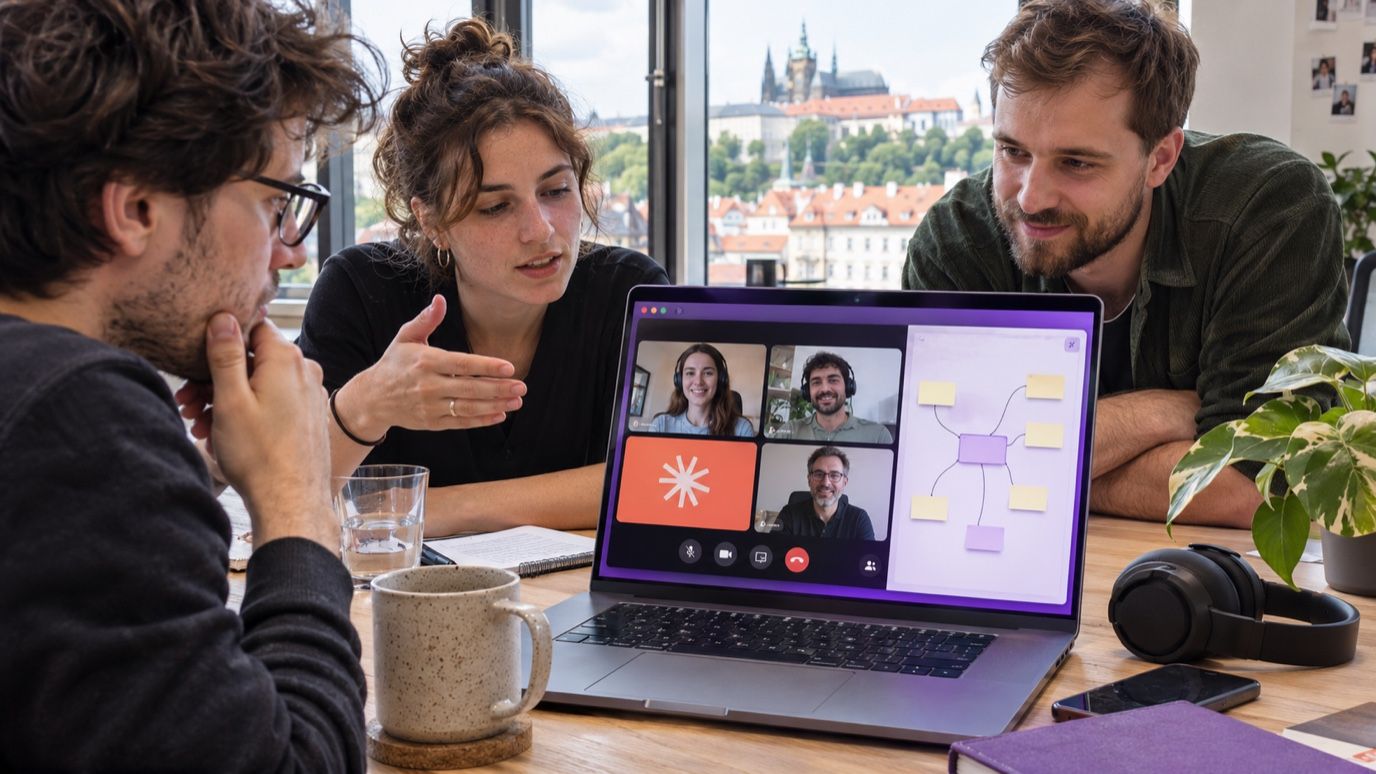
A meeting ends with an agreed approach, someone promises to write it up, and the actual work starts after everyone hangs up. Claude Meetings targets that delay: the team is meant to build usable working material with AI while the discussion is still happening. For a Czech-speaking business, two questions come first: does its account have access, and can the assistant handle its Czech meetings?
As of November 11, 2026, Claude Meetings is an announced product with inconsistent availability descriptions. Czech is explicitly documented for dictation into Claude Whiteboards; I found no confirmation of Czech live meeting transcription in the official materials reviewed. This article is not a hands-on Meetings test.
What Claude is meant to do during a call
Anthropic's November 10 announcement describes adding Claude to a call to take notes and update the team's documents as people talk. Official announcement
Reuters describes a visible Google Meet participant that follows the discussion, drafts a plan, builds a timeline, and answers questions in chat. It reports a beta launch for Team and Enterprise customers. Reuters
TechRadar also reports access to connected work apps, with notes, action items, and created materials available in claude.ai afterward. These are reported product capabilities, rather than results from our own evaluation. Feature coverage
Availability needs a closer look
Anthropic's official overview still labels Meetings “coming soon.” Reuters simultaneously reports a Google Meet beta launch. I would therefore not assume that every Team or Enterprise customer can switch it on immediately. Check access in the specific workspace. I also found no confirmed launch date to rely on for Zoom or Microsoft Teams. Anthropic · Reuters
Claude Whiteboards is a separate feature. Anthropic says its beta is available on paid plans, alongside the newly announced Claude Sheets and Claude Data. Having access to a board does not establish access to the in-call assistant. What Anthropic released
Can the speech-to-text recognize Czech?
Yes: Czech speech-to-text is explicitly supported for dictation into Claude Whiteboards. The help page lists Czech among dictation languages. This specifically documents recognizing spoken Czech and converting it into text, rather than merely the language model's ability to answer in Czech. Dictation follows the browser language. Official language list
| Audio input | Czech transcription support |
|---|---|
| Microphone dictation into Whiteboards | Confirmed in the official help page. |
| Call audio in Claude Meetings | Not yet confirmed in the official materials reviewed. |
For Meetings, the remaining question is its specific speech recognition service. In the materials reviewed, I found neither confirmation that Meetings uses the same speech-to-text as Whiteboards dictation nor a separate language list for its transcription. Processing Czech text is not the unknown here: the question is whether Czech speech passes accurately through the audio input. Czech dictation in Whiteboards is documented; extending that finding to Meetings would currently be an inference.
Whiteboards can be tried separately: request a board in chat or open one in Artifacts. Dictate a short Czech instruction and check the transcription before sending it. Help instructions
Where I would start
My first scenario would be an internal invoice automation meeting. Finance explains exceptions, a developer describes the accounting integration, and a project lead adds deadlines. In the intended workflow, I would give Claude this instruction:
Draft the process from invoice receipt to approval. Separate agreed steps, proposals, and open questions. Give a task an owner and deadline only when they were stated. Leave amount changes and payments subject to human approval.
The team would correct the draft during the conversation: who handles an unknown supplier, what happens when an amount does not match, and where a rejected invoice goes. The useful result would be material ready for implementation in n8n or Make. Drawing the process alone would not deploy that automation or grant the agent accounting access.
How I would evaluate a Czech pilot
Once Meetings becomes available in a particular account, I would start with a short internal call and a prepared list of facts. I would deliberately include Czech surnames, company abbreviations, amounts, a changed deadline, and the sentence “we are not approving this yet.”
Afterward, I would compare the output with that list: correct amounts, task ownership, the latest valid deadline, and preservation of explicit disagreement. Alongside errors, I would measure the time spent correcting the result. Those results should determine regular use and any transfer of tasks into company systems.
Before connecting work apps, I would also check Claude's permissions and who can open the meeting outputs. A pilot only needs a narrow set of materials and manually approved task handoff. Verify the cost of the actual meeting service when access is enabled; knowing that a Team plan is required is not a complete deployment budget.
For Czech businesses, the meaningful outcome will be accurate Czech working material and less work left after the call. Documented Czech dictation into Whiteboards is a useful starting point. For Meetings, I would keep the announced direction distinct from verified operation.