AI agents on mobile: Codex for oversight, Hermes for your own knowledge base
October 13, 2026 update: an agent on a VPS needs a disconnect test
AI s rozumem published a VPS walkthrough on October 12. Its public description gives separate-user and SSH-key setup steps for Claude Code and Codex. This is a fresh implementation example, not a new feature announcement. The operational question is where the process runs and what survives a disconnected client.
Claude Desktop supports SSH sessions: add the host, user and optional key through the environment selector. Remote Control exposes an existing process; stopping that process takes the session offline. For a remote terminal, the documentation recommends tmux or screen to survive an SSH disconnect.
Codex over SSH requires an installed, authenticated CLI on the server. Mobile access still goes through a connected desktop host; a VPS does not replace that host. I would therefore test the actual setup before promising that everything works with the laptop switched off.
Pilot: fix an invoice parser without accounting-system access
I would start with one repository and twenty synthetic invoices. The agent fixes the parser, runs tests and prepares a diff. It cannot post invoices or send emails. This is a proposed pilot, not a measured result.
- An administrator creates a dedicated non-root account and a key for this workload. Give the agent only its working directory and necessary test credentials.
- Set time and spending limits, a log destination and a named person who can stop the run. Track VPS costs separately from model usage.
- Disconnect SSH and close the client after starting the task. From another authorized device, check whether work continues and whether an approval request can be answered. A stopped run is a test finding, not a reason to silently remove approvals.
- Review changes, tests and logs on return. A person approves the merge. A separate branch does not isolate a process from the server's other data.
Preview access needs its own boundary. Cloudflare Quick Tunnels are for development and testing. Without access restrictions, anyone with the URL can reach the service. For this pilot I would expose only synthetic data and shut the preview down after review. Publishing an application preview must not expose the agent's control interface.
Measure tasks completed across disconnections and the time needed to review them. An available server alone does not make automation reliable.
September 22, 2026 update: Orca across agents and remote machines
AI s rozumem's September 21 video adds a useful option: Orca brings coding agents and their working copies into one interface. This is an evolving application, not a new model launch; see its changelog.
Two beta features matter here: Remote Servers and mobile access. Repositories, terminals and agent sessions run on the host. The phone provides supervision and replies. Provider CLIs must be authenticated on that host; your laptop's login is not automatically forwarded.
I would start with the desktop app on both machines and a private Tailscale network, following the documentation. Keep the host awake, protect pairing links as access credentials and revoke them when a device is lost. A git worktree separates files and branches; it is not a security sandbox.
A team could use separate branches for implementation, tests and documentation, then answer an agent's question from a phone. Production merges and deployments should retain their existing checks. Jirka Herník's September 21 Hermes demo illustrates the always-on VPS pattern discussed below; it does not require another duplicate orchestration layer.
September 15, 2026 update: Hermes gives a mobile agent its own data and tools
The original article treated mobile as a control panel for Codex: inspect a long-running task, add context, or stop it from a phone. A new practical setup from AI s rozumem shows a second pattern. Hermes Agent runs continuously on a VPS, talks through Telegram or Discord, and works with a knowledge base stored in a GitHub repository. The laptop can stay off.
That is more consequential than another mobile client. With Codex on mobile, you mainly supervise a specific task. With Hermes, a message can invoke tools, read selected data, change a repository, or start an automation. The same pattern can support internal documentation, project notes, CRM preparation, or intake triage. The agent should still cite its sources and write changes through reviewable commits or pull requests instead of silently rewriting the knowledge base.
Official Hermes documentation confirms a messaging gateway for Telegram, Discord, Slack, and other platforms, plus ChatGPT/Codex OAuth without an API key. There is an important caveat: the documentation does not yet specify eligible ChatGPT plans or exactly how Hermes consumption counts against Codex limits. A company should not treat a consumer subscription as an API SLA. Monitor the usage dashboard, impose a per-task budget, and keep a fallback for exhausted quota.
Permissions are the largest risk. Hermes explicitly states in its security model that checks inside the LLM process are not containment; the operating system is the load-bearing boundary. The practical baseline is a dedicated non-root account and GitHub identity, access to one repository rather than the whole organisation, messaging-user allowlists, a container backend, restricted mounts and network access, secrets outside the repository, and command audit. Production changes, invoicing, outbound email, and CRM writes should remain behind explicit approval.
The useful mental model is simple: the phone is the input, the VPS is the runtime, GitHub is the versioned knowledge source, and the container is the security boundary. Collapse those roles — for example, run the agent as root over an entire server and accept Telegram commands from anyone — and you have built remote administration controlled by a probabilistic model, not a convenient assistant.
Update sources: the AI s rozumem walkthrough, the official Hermes Agent repository, provider and OAuth documentation, and the Hermes security model.
On May 14, 2026 OpenAI announced that Codex is coming to the ChatGPT mobile app. At first glance this sounds like a small product update. For agents, it changes the working rhythm.
Agentic work often does not take 30 seconds. It can take minutes or longer. Halfway through, the agent may need a decision, command approval, a choice between two approaches, or extra context. If you are away from the computer, the work stops.
What OpenAI announced
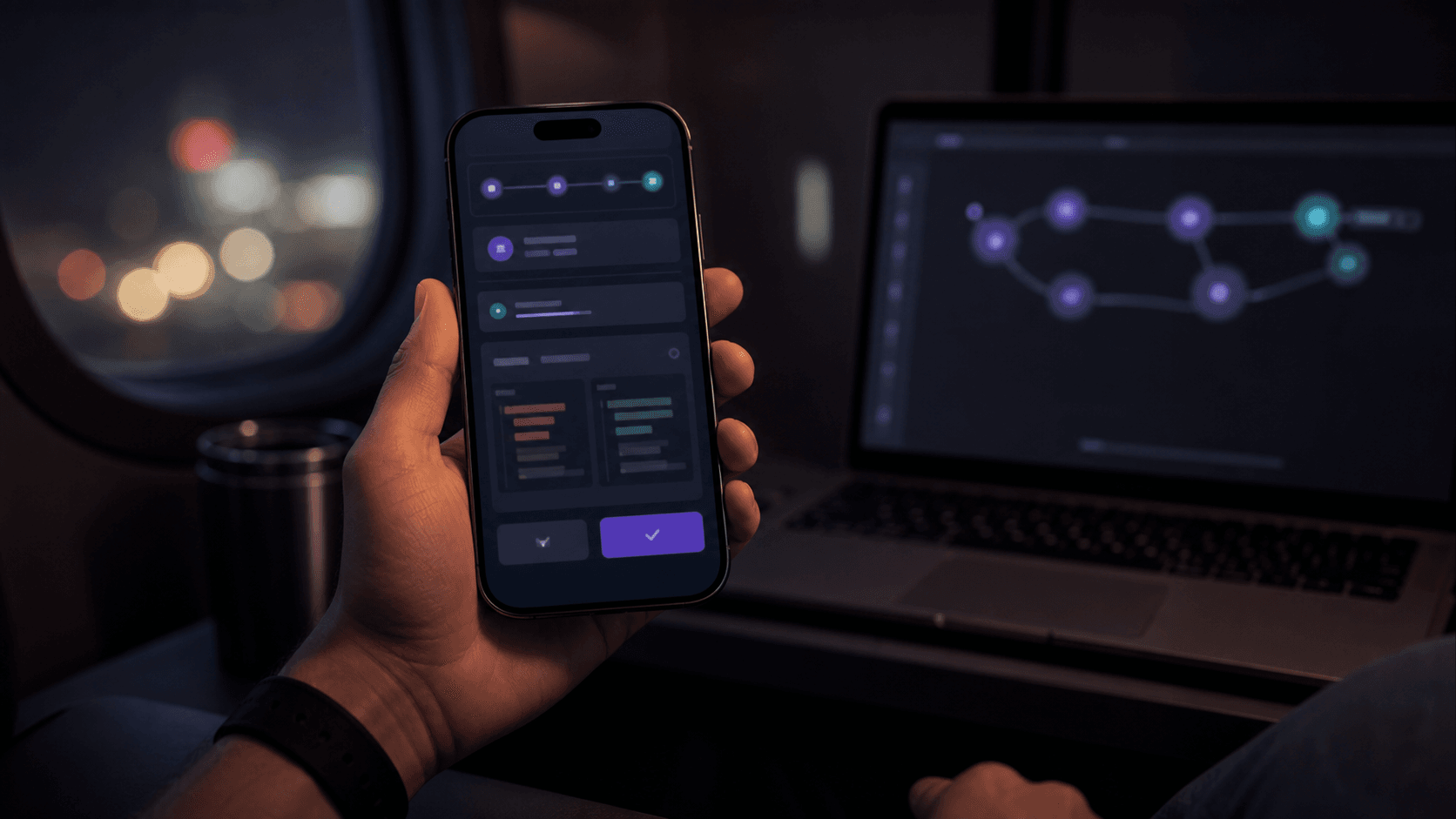
Codex is now in preview in the ChatGPT mobile app. It connects to the environment where Codex is running: a laptop, devbox, or remote environment. From the phone you can follow active threads, answer questions, approve steps, change direction, inspect diffs, test output, terminal output, and screenshots.
OpenAI also announced generally available Remote SSH and hooks, plus programmatic access tokens for Enterprise and Business.
This is no longer only a vibe-coding toy. It is infrastructure for longer-running agent work.
Why it matters
The biggest bottleneck is not always model capability. Often it is waiting for a human.
The useful pattern is not coding on a phone. It is making a small decision at the right moment: approve a safe step, choose a path, add domain context, stop a task that is going wrong, or send a new investigation while the idea is fresh.
How I would use it in a company
I would treat mobile Codex as a control panel for long-running tasks, not as development from anywhere. Code should still happen in a controlled environment: repository, tests, permissions, secrets, and audit.
Before rolling it out, I would define what can be approved from mobile, separate local and production environments, use hooks for secret and command checks, log approvals, cap task runtime and token usage, and require a final report before merge.
Conclusion
Codex on mobile matters because agentic work needs human judgment in small, precise moments. Teams with good environments can keep work moving. Teams without rules just get a more convenient path to chaos.
Sources: OpenAI: Work with Codex from anywhere, Zaujaloma AI, Tomáš AI.